
UPS Jeewan Setu: What the New Digital Life Certificate Facility Means
PFRDA’s 30 October 2026 circular operationalised the UPS Jeewan Setu Digital Life Certificate (DLC) facility for pensioners under the Unified Pension Scheme (UPS). The practical value is not merely “going digital”: it is a chance to establish a life-certificate record through an official, traceable route. Because eligibility and operating instructions can change, pensioners should confirm the current UPS instruction before starting.
What a Digital Life Certificate does
Jeevan Pramaan is the Government of India’s Digital Life Certificate system. It uses Aadhaar-based authentication to generate a certificate that can be stored online and accessed by the pensioner and the Pension Disbursing Agency. A successful certificate generates a Pramaan ID, which the pensioner should preserve with the SMS acknowledgement.
The UPS circular announces operationalisation of UPS Jeewan Setu; it does not mean that every NPS subscriber or every pensioner should use an unfamiliar link, app or caller. Confirm that the pension arrangement is covered, then use only the official PFRDA or Jeevan Pramaan route.
The process in numbers
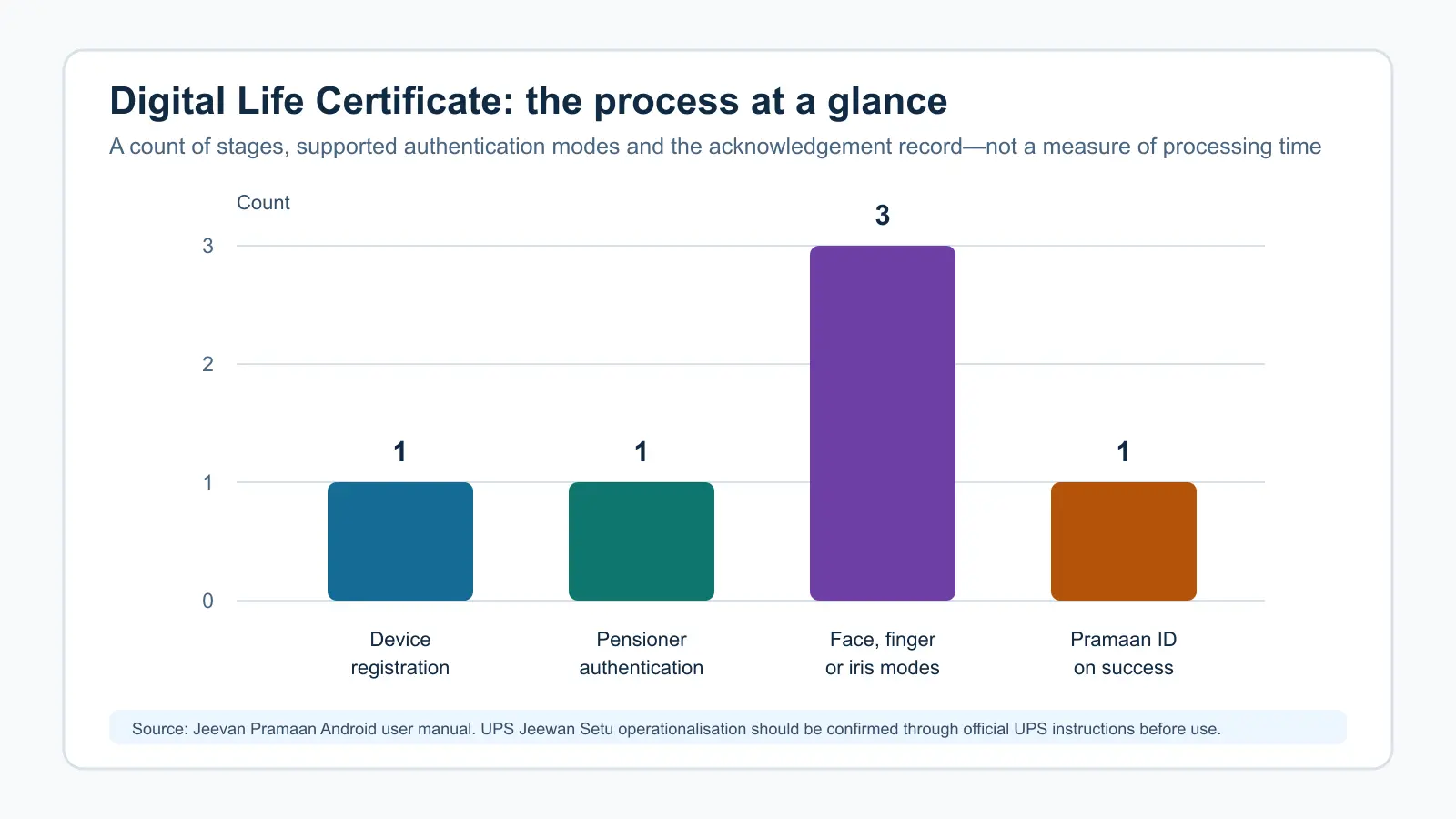
The chart’s horizontal axis lists four process items. Its vertical axis is a count: one device-registration stage, one pensioner-authentication stage, three supported modes (face, finger or iris), and one Pramaan ID upon successful generation. The inference is that a certificate is a short sequence with a record at the end—not a single OTP or a payment request. The chart does not estimate processing time.
For the face-authentication route, the current Jeevan Pramaan Android manual lists an unrooted Android 9.0 or later smartphone, internet access, at least 4 GB RAM, 64 GB storage with 500 MB free, and a 5 MP or better camera. It also lists AadhaarFaceRD for face authentication; no biometric device is required for that route. Device requirements and official app instructions should be rechecked before use.
A safer way to approach the facility
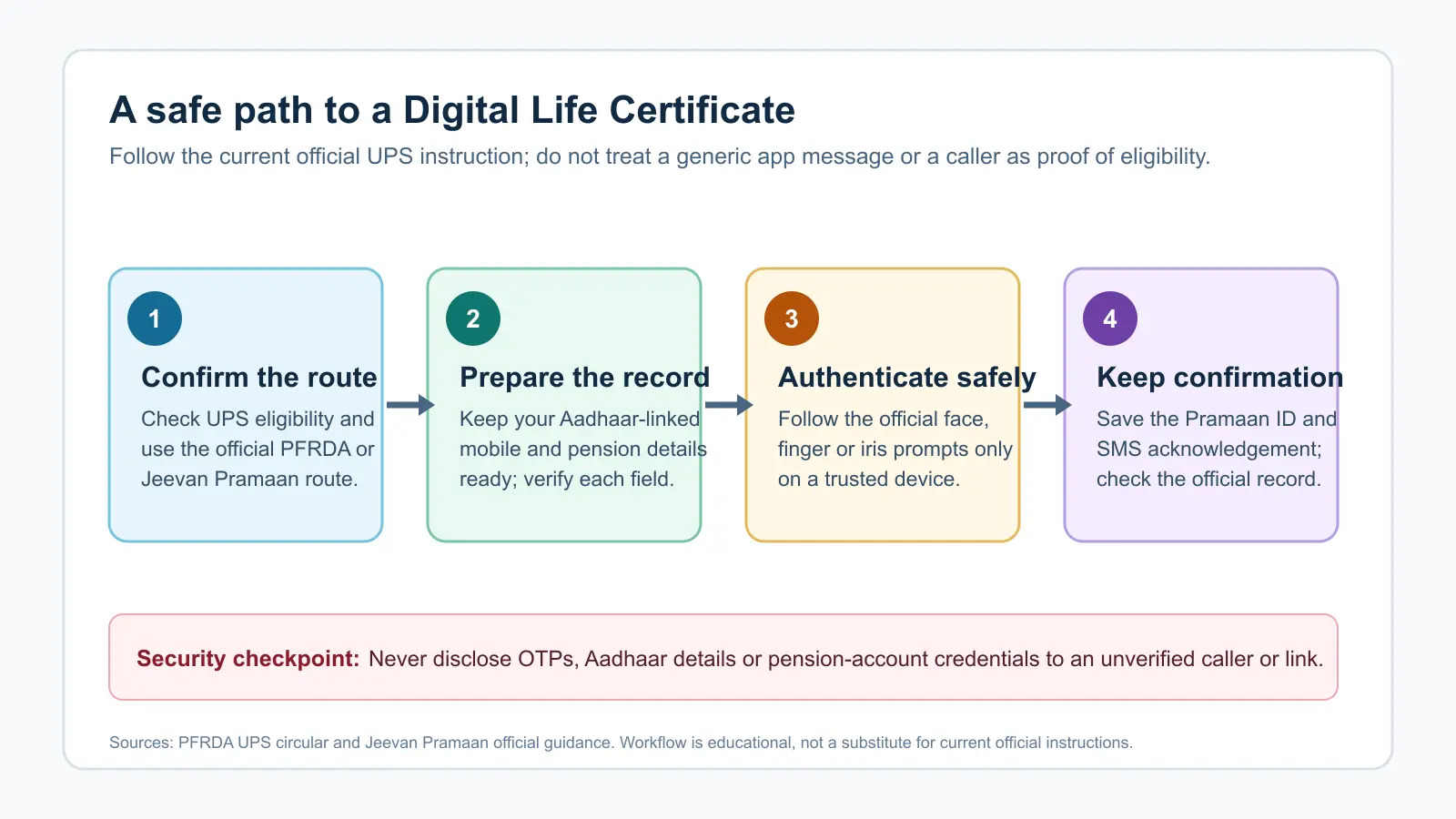
- Confirm the official route. Verify UPS eligibility and current PFRDA guidance before entering personal details.
- Prepare the record. Keep the Aadhaar-linked mobile number and pension details ready; check the fields before submission.
- Authenticate only in the official process. Use the prompted face, finger or iris flow on a trusted device. Do not accept screen-sharing requests or follow unverified links.
- Keep the confirmation. Save the Pramaan ID and SMS acknowledgement, then check the official record or Pension Disbursing Agency route if anything does not reconcile.
The workflow is intentionally record-first. A person offering to generate a certificate should never need your OTP, Aadhaar details, bank credentials or remote access to your device.
When family support can help
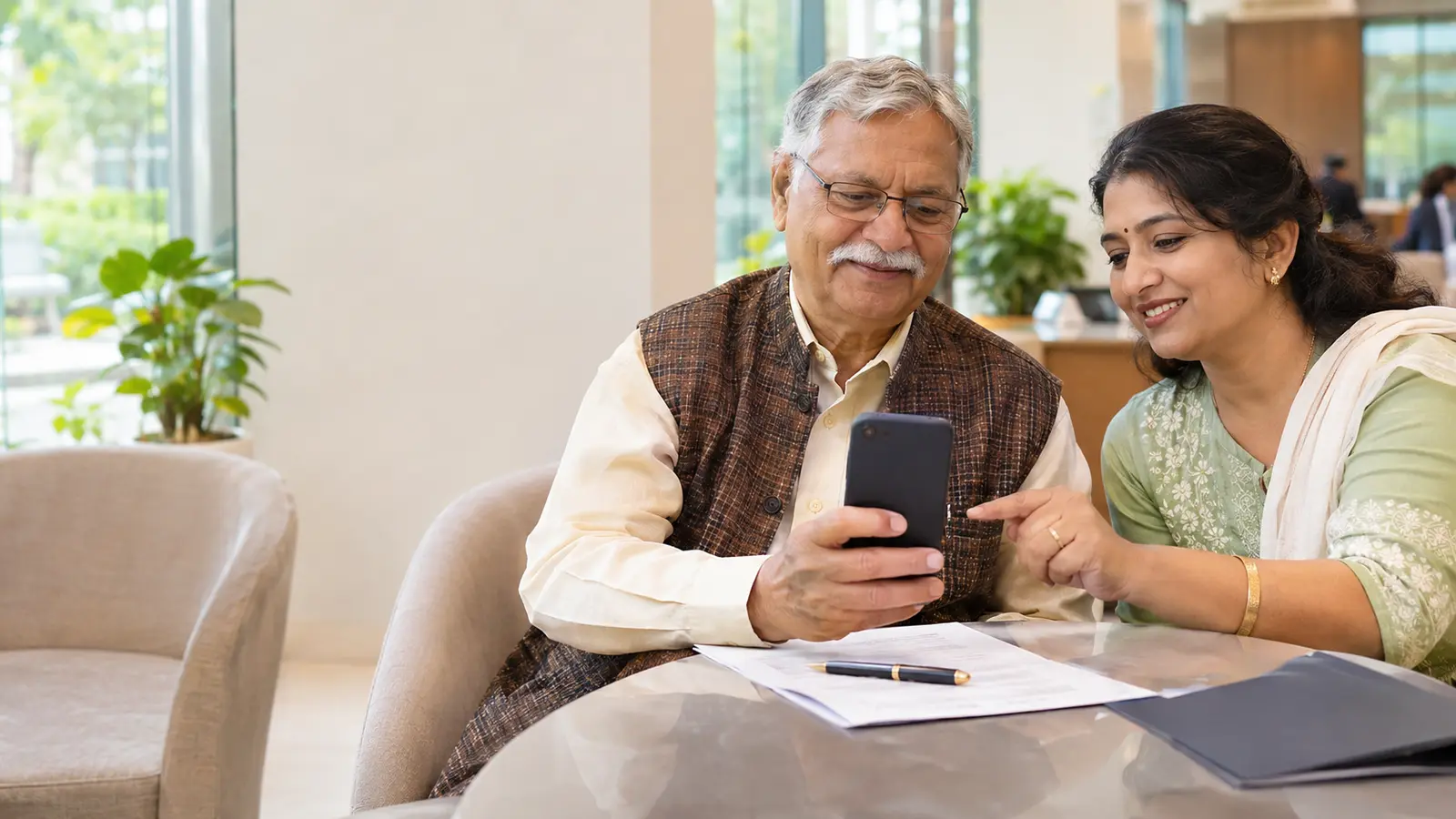
An older pensioner may reasonably ask a family member to help read instructions, operate a trusted device or accompany them to an authorised centre. The pensioner should still control their own data and consent. Where the digital route is unsuitable, use a verified official support channel to understand the available alternative rather than relying on an intermediary’s assurance.
Abhipra has acted as a Point of Presence for 17 years. For NPS service information, visit Abhipra NPS & Pension services. This article does not alter UPS eligibility, pension-payment or life-certificate requirements.
Source links and disclaimer
- PFRDA: UPS Jeewan Setu Digital Life Certificate circular — operationalisation announcement dated 30 October 2026.
- Jeevan Pramaan Android user manual — authentication modes and current face-authentication device requirements.
- Jeevan Pramaan DLC procedure — certificate, Pramaan ID and electronic-delivery process.
Use only current official instructions. This is investor and pensioner education, not a substitute for scheme-specific instructions or personal advice.