After NPS Onboarding: Verify Your Nominee, PRAN and CRA Record
Opening an NPS account is the start of a long record-keeping relationship. A short check after onboarding can help ensure that the PRAN, contact details, CRA access and nomination record are usable when they are needed.

Begin with the account record, not a screenshot
Save your PRAN and onboarding acknowledgement in a secure place. The PRAN is the permanent account identifier used across NPS servicing. NPS Trust’s holdings login asks the subscriber to select the CRA that issued the PRAN; the information displayed there is drawn from the CRA’s subscriber records. Keep the CRA name, registered mobile number and email address accurate.
Review nomination while the details are easy to check
A nomination record deserves the same care as any other family financial record. Check the nominee name, relationship, share and, where applicable, guardian details. The route for a change can depend on the CRA and sector model. A subscriber may be able to use the CRA’s authenticated online process or submit the prescribed subscriber-modification form through the applicable channel. Do not assume a request is complete until the CRA record confirms it.
| Record | Check | Keep |
|---|---|---|
| PRAN | Matches your acknowledgement and CRA account. | Secure acknowledgement and account reference. |
| CRA and contacts | Correct CRA, mobile and email for notices and OTPs. | Confirmation of any update request. |
| Nomination | Names, shares and guardian information where relevant. | CRA confirmation after processing. |
Keep account access and records separate from family sharing

Do not share passwords, OTPs or identity documents through informal channels. Keep an emergency reference note with the PRAN, CRA name and authorised help route, but never include login credentials. Update the account after a change in mobile number, email, address, family circumstances or nomination instructions.
A five-step record review
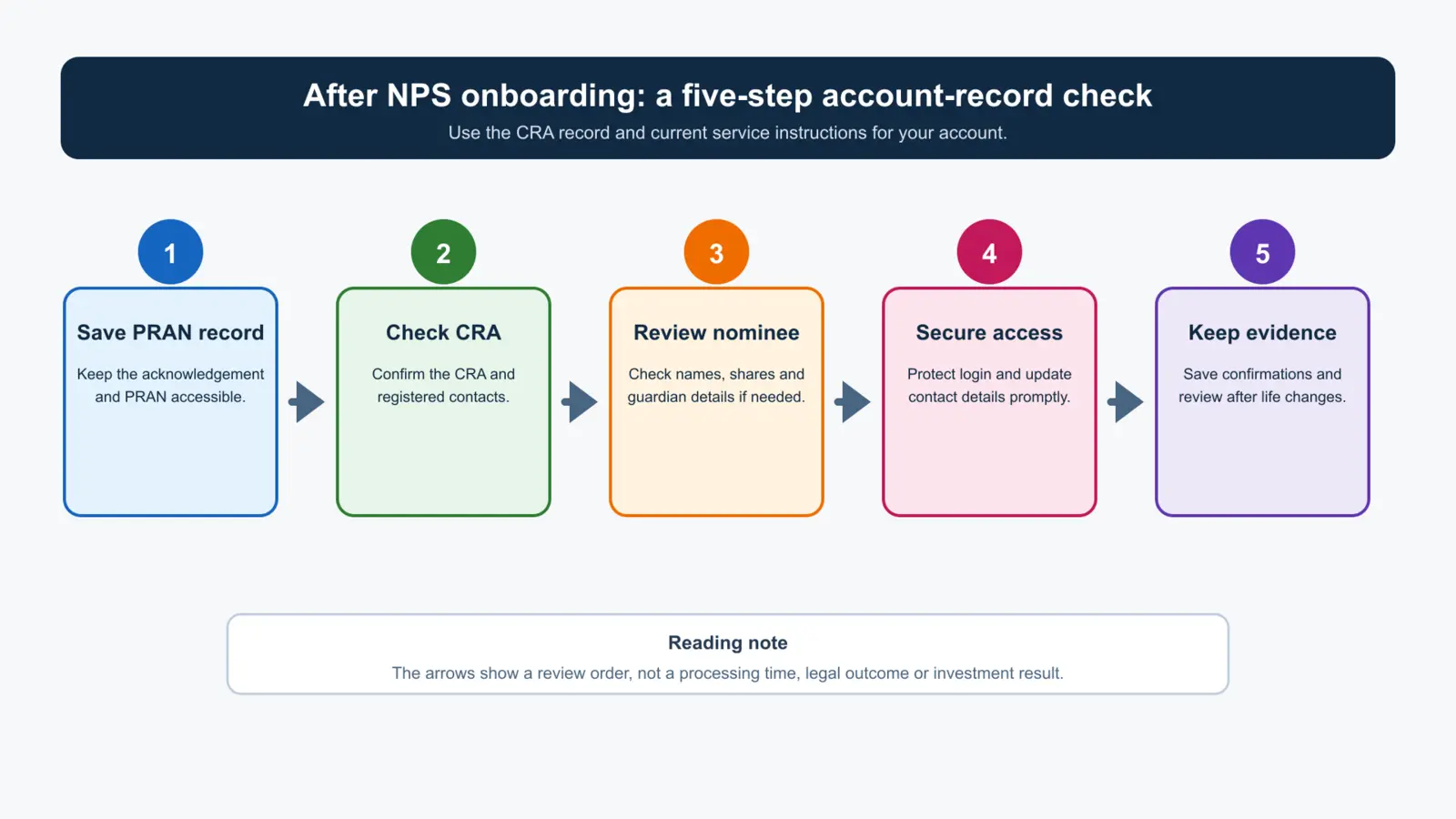
This workflow has no x-axis or y-axis because it is not a numerical chart. Its left-to-right arrows indicate a sensible review order: retain the account record, confirm which CRA holds it, check nomination, protect access and preserve confirmations. It does not predict service time or investment returns.
How Abhipra can help
Abhipra has acted as a Point of Presence for 17 years. For assistance with NPS onboarding or service documentation, visit NPS & Pension, use the NPS account-opening route, or review the NPS Download Center for the Subscriber Modification Form (S2). Use only the process that applies to your CRA and account model.
Source links and disclaimer
- NPS Trust subscriber holdings login — CRA selection and subscriber-record context.
- Protean CRA NPS Journey Kit — illustrative nomination-update and Form S2 process information.
- Abhipra NPS Download Center — current Abhipra service-document routes.
This article is for investor education only, not legal, tax or investment advice. NPS is market-linked and returns are not guaranteed. CRA processes, documentation requirements, eligibility and service routes can change; use current official instructions for your own account.